
Shutter Speed

Updated: Oct 23, 2024

The 3 camera settings that comprise the Exposure Triangle are shutter speed, aperture and ISO.
On the back monitor of our Canon DSLR cameras, the aperture setting is displayed with “F” followed by a number.
Apertures (from smallest openings to largest openings) are typically numbers f/32, f/22, f/16, f/11, f/8, f/5.6, f/4, f/2.8, f/2, f/1.4.
1/1000 at f5.6 and ISO 1600 for bursting water balloon
The shutter speed settings are shown on the top left on the back monitor.
Expressed as fractions of a second, the shortest or highest shutter speed on our cameras are 1/4000 seconds and the longest or slowest shutter speed is 30" seconds.
Examples of Shutter speeds are 1", 1/8", 1/2, 1/30, 1/60, 1/125, 1/250, 1/500,1/1000, 1/2000, 1/4000.
1/30 at f/11 and ISO 200 for motion blur

The third setting ISO controls the camera’s sensitivity to light.
This setting goes from 100, 200, 400, 800, 1600, 3200, 6400 on our cameras.
To center the meter on our cameras, we can either change the aperture, shutter speed or the ISO.
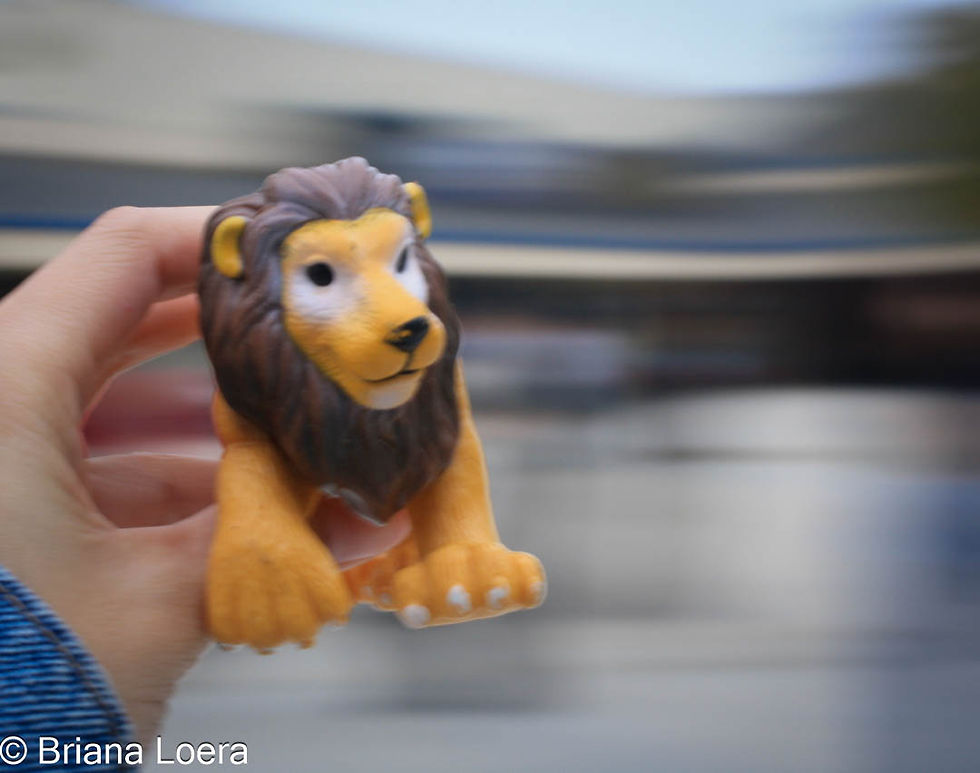
1/30 at f3.5 and ISO 100 for motion blur
For the third picture, we learned how to secure the camera on a tripod to shoot an image to look ghost-like with a slow shutter speed.

This picture of Berenice was taken using 6 sec at f/11 and ISO 200


Comments